


What AI Agent Apps Can Actually Do
AI agent apps can do more than answer questions. They can research information, navigate websites, organize findings, draft work, and carry out defined multistep tasks with your direction. Instead of only suggesting the next step, an AI Agent App can plan a route, use available tools, and return a usable result.
That matters when work is scattered across browser tabs, documents, and recurring desktop routines. A capable agent can reduce the switching and follow-up work around a task while leaving people in control of goals, permissions, and final decisions. In practice, the most useful agent is not necessarily the one that performs the most actions. It is the one that reliably handles routine steps, shows its work, and escalates questions when context or judgment is needed.
What Is an AI Agent App?
An AI Agent App is software that uses artificial intelligence to pursue an outcome, not simply generate a response. You give it an objective, context, and boundaries. The agent can break the objective into steps, gather information, make limited decisions, and complete actions within the access you allow.
For example, an assistant may explain how to compare three vendors. An agent app may open relevant sources, collect the comparison points you requested, organize them into a table, flag missing details, and prepare a draft recommendation. The difference is execution. For a deeper foundation, see What Is an AI Agent and this comparison of AI Agent vs AI Assistant.
Most agent workflows follow a simple cycle: understand the request, create a plan, use tools or connected services, review the result, and either continue or ask for guidance. The cycle may be quick for a straightforward task such as collecting product specifications, or longer for a project that requires checking multiple sources and preparing a final document. Clear instructions help the agent choose the right sequence and avoid unnecessary work.
Practical Capabilities of AI Agent Apps
Real-world usefulness comes from combining reasoning with browsing, documents, task execution, and review. The strongest use cases usually start with repeatable work that has a clear finish line. For example, “prepare a one-page supplier comparison with links to original sources” is easier to evaluate than the open-ended request, “look into suppliers.”
Research and source gathering
An agent can search for relevant pages, extract key facts, group sources by topic, and identify gaps that need another search or a human answer.
Summaries and comparisons
It can turn long pages, notes, and reports into structured briefs, compare options against your criteria, and separate observed facts from tentative conclusions.
Planning and drafting
Agents can build an outline, create a checklist, draft an email or report, and revise the draft after you provide corrections or new constraints.
Repetitive task execution
With the right permissions, an agent can perform routine browser and desktop steps, reducing repetitive copying, checking, sorting, and status-tracking work.
These capabilities work best together. A marketing team, for instance, might ask an agent to review competitor announcements, save the most relevant links, identify common themes, and draft a short internal briefing. A human can then verify the claims, add strategic context, and decide whether any action is needed. The agent speeds up collection and organization without becoming the final decision-maker.
Why the AI Browser Is a Major Part of the Experience
Many valuable tasks happen in a browser: reviewing portals, reading documentation, comparing products, checking dashboards, collecting references, and filling in repetitive information. An AI Browser gives an agent a working environment for understanding pages and acting across them.
That is different from a standard browser with a chatbot panel. The agent needs to understand the task, locate relevant information, preserve context between pages, and ask for help when a page is unclear or an action carries consequences. Browser capability makes research and task execution feel connected rather than fragmented.
Consider a procurement workflow. Rather than manually opening vendor pages, copying prices into a spreadsheet, and returning later to find support details, a user can instruct an agent to gather agreed-upon fields from approved sources. The agent can produce a structured draft, identify unavailable information, and link each finding back to its source. This makes review faster because the reviewer can check the evidence rather than repeat the entire search.
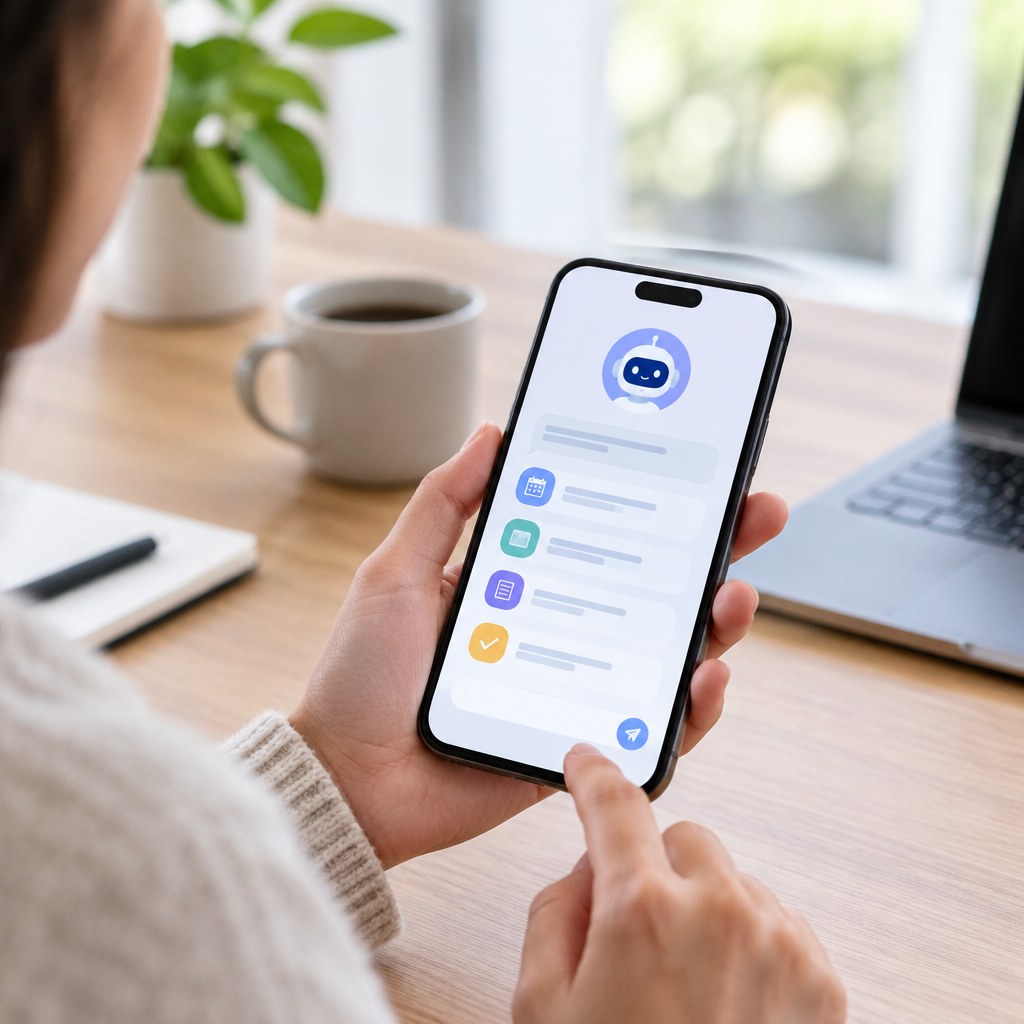
A broader desktop approach extends this model beyond a single web page. A Desktop AI Agent can help coordinate browser-based research with files, notes, drafts, and other desktop work. The goal is not to automate every click; it is to remove the low-value steps between intent and a completed deliverable.
AI Assistant App vs AI Agent App vs Desktop AI Agent Platform
These terms overlap, but they describe different levels of action. Knowing the distinction helps buyers assess whether a tool fits a simple question, a repeatable workflow, or broader knowledge work.
An assistant is often enough when you need a quick explanation, first draft, or brainstorming partner. An agent becomes more valuable when the job includes collecting inputs, applying consistent criteria, and producing an output that someone can review. A desktop platform is designed for users whose work regularly crosses websites, folders, documents, and communication tools.
Useful AI Agent App Use Cases
Knowledge workers can ask an agent to research a market, summarize competing viewpoints, and produce a source-based briefing. Operations teams can use one to prepare recurring checklists, review status information, and organize next actions. Researchers can define inclusion criteria, collect candidate sources, and create a review queue rather than manually managing dozens of tabs.
For personal productivity, an agent can turn a goal into a plan, collect information needed to make a decision, draft communications, and maintain a task-oriented record of what remains. For browser-heavy work, it can help compare products, inspect documentation, gather account details, and prepare information for approval.
A practical way to start is with a workflow that happens weekly or monthly. First, document the current manual steps. Next, identify the inputs, expected output, and any points where a person must make a decision. Then allow the agent to handle the research, sorting, and drafting portions while keeping the approval step manual. Measuring time saved, error rates, and the quality of the final deliverable will show whether the workflow is worth expanding.
The best prompt is outcome-focused and bounded: state the desired result, source preferences, deadlines, required format, actions the agent may take, and when it must stop for approval. Clear boundaries make results easier to inspect and improve.
Where Human Review Still Matters
AI agents can misunderstand instructions, rely on outdated pages, miss important context, or produce confident but incorrect summaries. They should not independently make high-stakes financial, legal, medical, employment, or security decisions. Review is especially important before sending external messages, changing records, submitting forms, purchasing items, or sharing sensitive information.
- Give only the permissions needed for the current task.
- Check important claims against original sources, not only summaries.
- Require approval before irreversible, costly, or public-facing actions.
- Use clear stop conditions when tasks involve ambiguous pages or personal data.
- Keep a reviewable record of sources, completed actions, and unresolved questions.
Privacy is also practical, not abstract. Before entering information into any AI Agent App, consider what data is necessary, who should see the output, and whether a less sensitive version of the task would achieve the same result. Teams should also establish simple operating rules, such as which systems an agent may access, who can approve external actions, and how exceptions should be reported.
A Broader Direction for Desktop AI Work
Minda is exploring the Super Intelligent Platform direction: combining AI Agent, AI Browser, research, and task execution for more connected desktop work.
How Minda Fits the AI Agent Platform Conversation
Minda represents the broader move from isolated AI chats toward a Super Intelligent Platform for desktop work. Rather than treating browsing, research, planning, and execution as separate activities, this direction brings them closer together through AI Agent and AI Browser capabilities.
The value is practical: less manual context switching, more structured research, and better support for tasks that begin with a question but end with a completed piece of work. Learn more about the concepts behind a Super Intelligent Agent and a Super Intelligent Platform.
Frequently Asked Questions
Can an AI Agent App use websites for me?
It can assist with browser-based research and defined tasks when it has the appropriate access. Important actions should still require your review and approval.
Are AI agent apps fully autonomous?
No. Useful agents operate within goals, permissions, and limits set by people. Reliable use includes checkpoints for unclear, sensitive, or consequential work.
What tasks are best for an AI Agent?
Tasks with repeatable steps, clear completion criteria, available source material, and a meaningful amount of browser or desktop coordination are strong candidates.
Can an agent replace professional judgment?
No. It can accelerate research and preparation, but professional judgment remains necessary for decisions involving accountability, risk, or nuanced context.
What should I evaluate before choosing an AI Agent App?
Assess the tasks it can perform, how it handles browser and desktop work, what permissions it needs, where review happens, and whether its workflow matches your daily tools. It is also useful to test the app on a real, low-risk workflow before making it part of a wider team process.
Conclusion
AI agent apps are most valuable when they help move work from intention to completion. They can research, browse, summarize, plan, draft, coordinate, and automate bounded tasks. Start with one recurring workflow, define approval points, and judge the tool by the quality of completed work—not by the novelty of its responses.