


How a desktop AI agent works
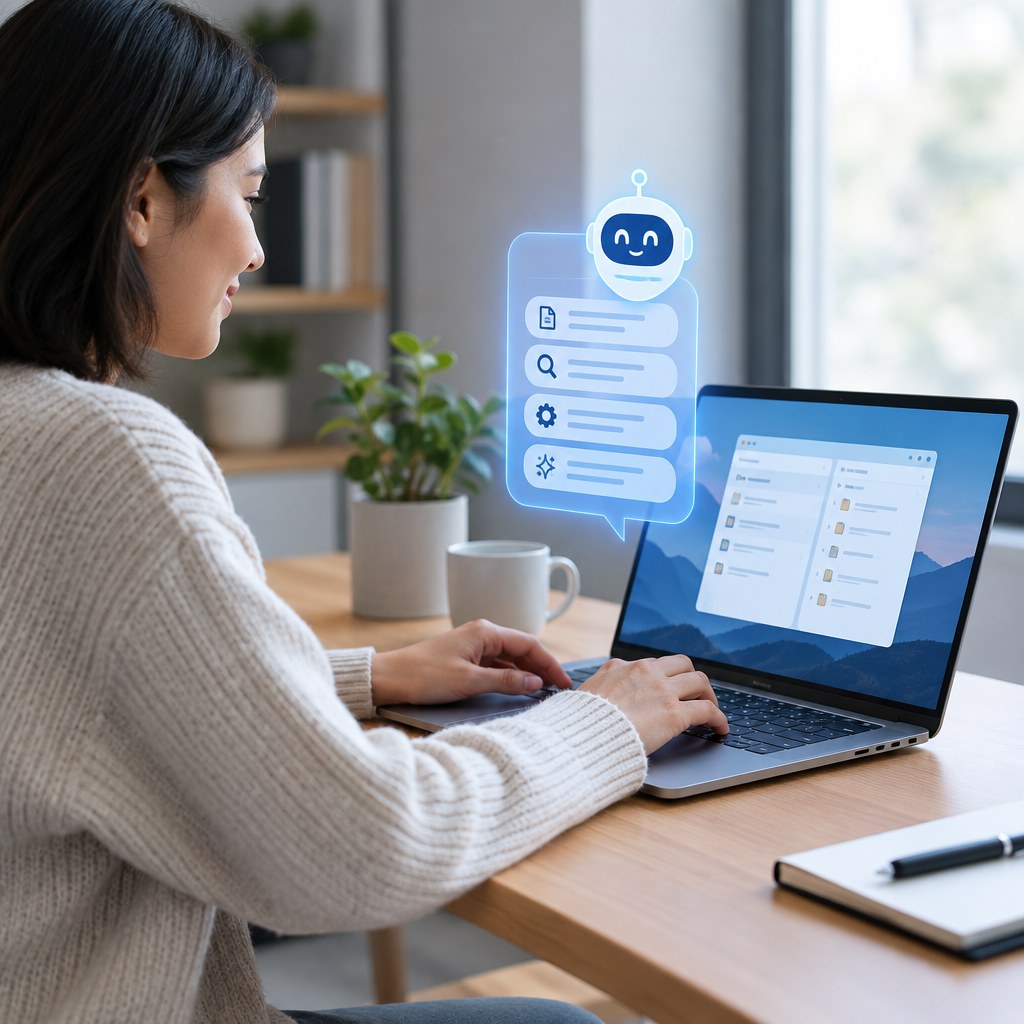
A desktop AI agent is software that can understand a goal, decide which steps are needed, and carry out work on your computer. Instead of only replying in a chat window, it can use desktop tools and the web to research, organize information, and move a task toward completion.
That distinction matters when a task involves more than one answer. A Desktop AI Agent can turn a plain-language request into a sequence of actions, while keeping the person involved for review and decisions. This guide explains where that capability fits, what to expect, and how to evaluate it responsibly.
What is a desktop AI agent?
An agent receives an objective, gathers context, creates a plan, and acts through permitted applications or interfaces. It may open a browser, compare sources, prepare a document, sort files, fill in repetitive fields, or ask for clarification before a consequential step. The defining idea is not simply access to a computer; it is goal-directed behavior across several steps.
In practice, capable systems work in a loop: interpret the request, choose a next action, observe the result, and adjust. The loop can be brief, such as finding and summarizing a policy, or longer, such as researching options and assembling a draft comparison. Good agents expose progress instead of making their reasoning feel like a black box.
Chatbots, AI browsers, and desktop agents compared
These categories overlap, but they solve different parts of digital work. A chatbot emphasizes answers. An AI Browser emphasizes browsing assistance. A desktop agent combines reasoning with actions across a computer environment.
An AI Browser may include conversational help, page understanding, or guided research. Yet browsing is its center of gravity. A Desktop AI Agent can treat browser work as one part of a broader workflow, then use the findings in another permitted desktop task. Conversely, not every agent needs an AI Browser; some operate mainly inside a specific application. The labels describe emphasis, so examine the actual workflow rather than assuming every product in a category behaves identically.
How agents plan, research, and execute work
Most desktop agents begin by translating an outcome into smaller tasks. If you ask for a vendor shortlist, for example, the agent might identify evaluation criteria, search for relevant material, extract useful details, organize notes, and present a draft. At each stage, it should distinguish facts it found from assumptions it made.
Execution is what separates an agent from a purely advisory tool. Depending on permissions and design, it may navigate sites, enter information, create files, or run a repeatable sequence. Better workflows set a clear stopping point: collect options, draft an output, or prepare items for approval. The user remains accountable for validating accuracy, judgment, and any action with real consequences.
A useful mental model is propose, perform, verify. The system proposes a plan, performs limited steps, then verifies that the result matches the request. When uncertainty remains, the right behavior is to pause and ask, not to guess.
Everyday and work use cases for desktop agents
The best use cases combine information gathering with repeatable follow-through. They do not require handing over every decision. Instead they reduce the setup and routine steps that slow people down.
- Research preparation: Gather sources on a topic, capture key points, and assemble a structured briefing for human review.
- Meeting follow-up: Turn notes into an agenda, a draft recap, and a task list, then leave final wording to the team.
- Comparison shopping: Research choices against criteria such as price, compatibility, availability, and return terms, without making a purchase automatically.
- Desktop organization: Rename or sort materials, prepare folders for a project, and create a repeatable starting structure after you approve the rules.
Edge cases matter. An agent can be helpful when the process is stable but the input changes, such as weekly research. It is less suitable when instructions are vague, source quality is impossible to verify, or a single mistaken action would be costly. Start with bounded, reversible work.
What to evaluate before you delegate work
A Desktop AI Agent Platform is more than a single assistant window. It is the environment that helps people discover agents, define tasks, manage browser and desktop work, and review results. Before choosing one, clarify which tasks it can actually perform and where human approval belongs.
Questions worth asking
- Does it explain the scope of a task before it starts?
- Can you see what it is doing and stop it when needed?
- Which permissions, accounts, files, or websites does the work require?
- How does it handle ambiguous instructions, missing data, or conflicting sources?
- Can it separate drafting, research, and low-risk automation from irreversible actions?
Permission design deserves special attention. A useful agent should operate only within the access you choose, and consequential actions should receive careful review. Avoid giving broad access simply because it is convenient. Do not paste sensitive information into an unfamiliar tool without understanding its controls and policies. For financial, legal, medical, employment, or account changes, treat the agent as a drafting and research aid unless you have explicitly verified the process and approved the action.
Minda and the Super Intelligent Platform direction
Minda is an example of the broader Super Intelligent Platform direction. Its Desktop AI Agent Platform approach brings together AI Agent capabilities, an AI Browser, research, task execution, automation, and desktop AI work. The important point is not replacing human judgment. It is giving users a more connected way to move from a question, to web research, to organized work and action.
Because AI Browser activity is a major pillar, users can treat research as part of the task itself rather than a separate preliminary chore. A Super Intelligent Agent should help connect those stages while leaving people in control of objectives, review, and final decisions.
Explore the category with a practical mindset
Start with one workflow you understand well. Define the desired result, the allowable actions, and the review point. Then assess whether Minda’s agent and browser direction fits how you prefer to work.
Limitations and the future of desktop agents
Desktop agents are not automatically reliable simply because they can take actions. They can misunderstand intent, encounter changing pages, draw weak conclusions from poor sources, or fail when a workflow differs from expectations. They may also be slower than doing a familiar task manually. Their value depends on clear instructions, appropriate guardrails, and a user who checks meaningful outputs.
The category will likely become more useful as agents coordinate tools more smoothly, preserve task context, and offer clearer controls. Still, progress should not be confused with permission to automate everything. The strongest future systems will make it easier to set boundaries, inspect work, and choose when a person must decide. Human oversight remains a feature, not a failure.
Frequently asked questions
What is the difference between an AI agent and an AI assistant?
An assistant usually responds to prompts with information or content. An AI agent can also plan steps and use permitted tools to pursue an outcome. The boundary varies by product, so look for evidence of task planning, execution, and review controls.
Is an AI Browser the same as a desktop AI agent?
No. An AI Browser centers on finding, reading, comparing, and navigating web content. A desktop agent may use an AI Browser for research, but it can also connect that research to broader computer-based tasks. The practical difference is the scope of action.
Can a desktop AI agent work without my supervision?
It may complete limited tasks independently within its permissions, but independence is not the same as trustworthiness. Supervision should increase with risk. Review plans, check outputs, and require approval before sending messages, changing accounts, spending money, or making other irreversible changes.
What tasks should I give a desktop agent first?
Choose low-risk, repeatable work with a clear result: background research, draft creation, file organization, or structured comparisons. Avoid tasks involving sensitive data or irreversible changes until you understand how the agent behaves and where you can intervene.
Will desktop AI agents replace normal software?
More likely, they will change how people use software. Traditional applications remain where work happens, while agents can help coordinate routine steps across them. For many users, the best arrangement will be software, automation, and human judgment working together.
A practical next step
Desktop AI agents make the most sense when they reduce routine effort without hiding important decisions. Begin with a defined task, keep permissions narrow, and review early results. As you learn what the system does well, expand carefully. Whether you are evaluating a standalone Desktop AI Agent or a broader platform such as Minda, prioritize transparent research, controlled execution, and work you can confidently verify. The goal is not to hand your computer over to AI. It is to create a reliable partnership where the agent handles appropriate steps and you retain context, authority, and the final say. That is the practical standard for adopting this emerging category today.
What Is a Desktop AI Agent? A Simple Guide to AI That Works on Your Computer