
Browser AI agent vs RPA: match the method to the work
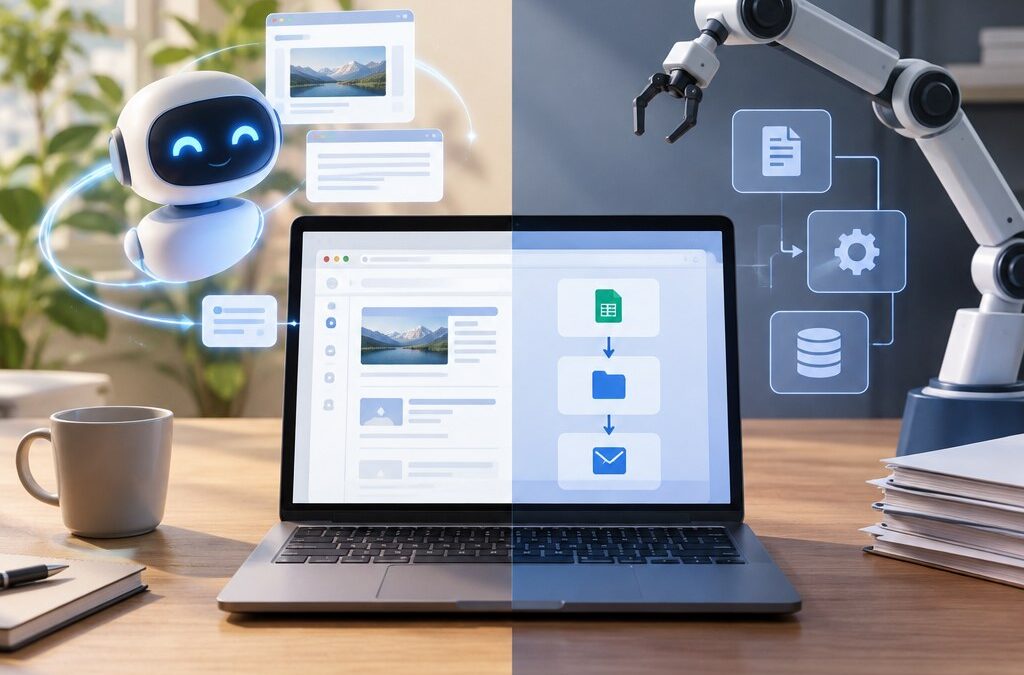
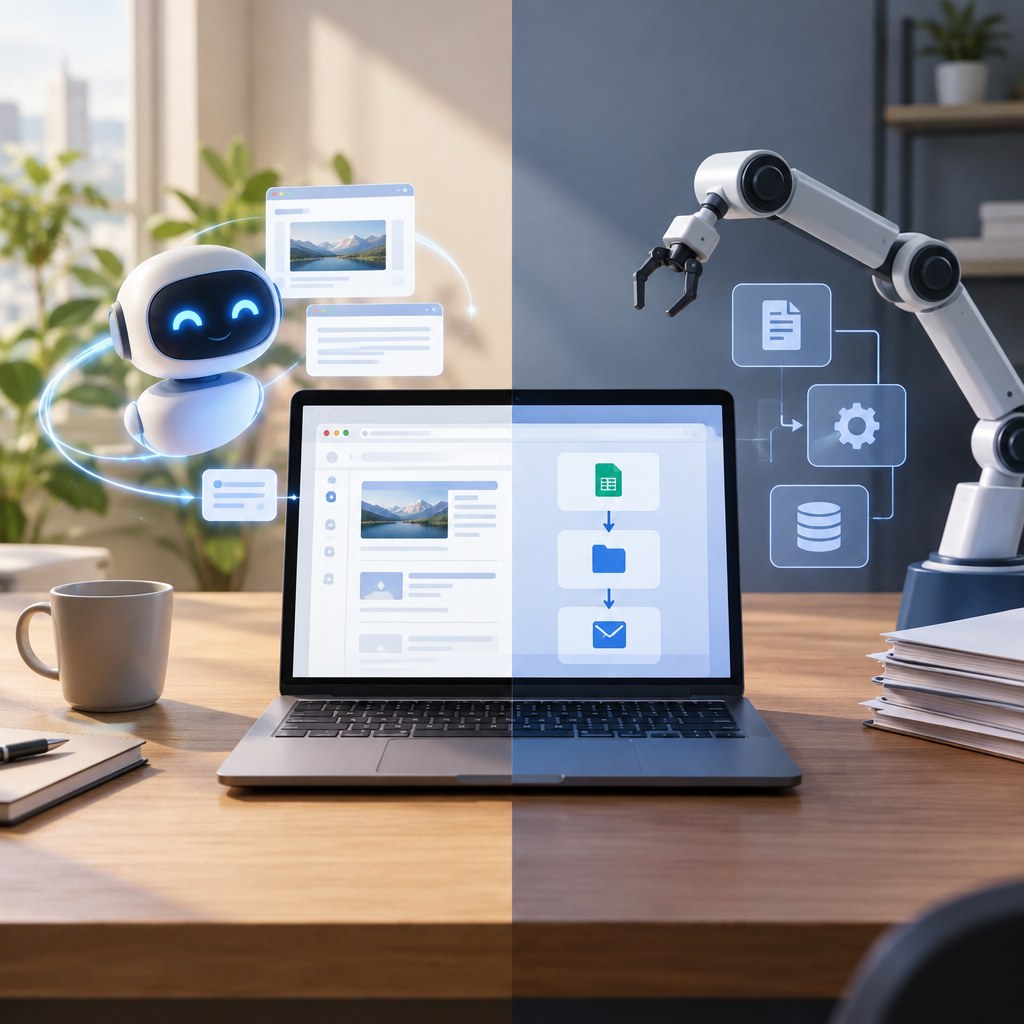
In the browser AI agent vs RPA choice, the deciding factor is how much the work varies. A browser AI agent fits everyday tasks that change a little each time, because it reads the goal and the page and handles the small decisions. RPA fits stable, repetitive, high-volume processes that are worth engineering and governing as formal automation.
So the split is adaptability against determinism, not smart against old. An agent helps a person finish variable work across sites. An RPA bot runs a tightly defined path the same way every time. To choose, look at the work itself: how often it varies, what a mistake costs, and who reviews the result.

The usual mistake runs both ways. Teams build a formal bot for a task whose steps change every quarter, then spend the year fixing it. Or they hand an agent a ledger posting that has to be identical on every run.
What separates flexible browser work from formal automation
RPA moves information between applications by configured rules. A typical deployment leans on selectors, APIs, desktop controls, work queues and exception routes, all defined by a process owner before the first run. When the input and the path are known, the robot produces the expected output. Consistency is the whole point.
A browser AI agent starts from an instruction and whatever the page shows. Finding a vendor’s current renewal policy, comparing entries across portals, preparing a draft in a web form or summarizing what changed before someone decides: these are its jobs. That flexibility is also why it needs limits, review points and a way to stop.
Neither one is safer by default. A browser workflow can break, and an RPA bot breaks when the application under it changes. What matters is which failure you can see coming, catch and recover from at a cost you accept.
How the operating models differ
Where browser AI agents help in everyday work
A lot of office work has too much judgment in it for a formal bot and too much repetition to enjoy by hand. An operations coordinator checks five supplier portals every Monday. A recruiter pulls candidate details out of two systems. An account team assembles status notes before a client call. The wording, layouts and priorities shift from week to week.
Minda sits in that middle ground. It is a desktop AI agent app with its own Chromium browser, and its agent clicks, types and fills forms in hidden tabs while you keep working. Each workspace holds its own cookies and sign-ins. You can stop the run or take over at any step, an action log records what it did, and it asks before paying.

None of that makes every web task safe to leave alone. Don’t give an agent vague access to sensitive accounts and assume it knows your policies. Narrow instructions and a person at the points where money, commitments, permissions or private data are involved keep it useful.
Good first uses
- Pull details from several approved websites into one working draft.
- Compare portal information that changes before someone makes a call.
- Fill repetitive web fields and leave the final submit for review.
- Summarize what changed on a vendor’s terms page since last month.
Where rule-based RPA remains the stronger choice
RPA earns its build cost and governance overhead once the workflow is a real process rather than one person’s shortcut. Think of many transactions that follow the same approved sequence, source fields that don’t move, and deviations that need formal handling. Finance operations, back-office reconciliations and routine system-to-system updates are the classic cases.
Here a deterministic bot can be tested against known cases, scheduled, monitored and changed through a controlled release. Ownership, credentials, alerts and exceptions all get written down. That structure pays off more as unattended runs and dependencies grow, and when a team needs predictable throughput rather than a conversational helper.
A simple recurring task doesn’t automatically deserve a bot. If the process is still changing, every change is maintenance work. If people make small contextual calls along the way, encoding each branch can take longer than keeping a person in the loop.
A useful reliability test
Could a new hire follow the written procedure without interpreting vague wording or looking up missing context? If yes, the task is a good RPA candidate. If not, a supervised browser agent is usually the more practical tool.
Choose by change tolerance, not by marketing labels
Ask what happens when a website renames a button, adds a confirmation screen or shows a request nobody planned for. An agent can usually reason past ordinary variation, though it still needs review when it is unsure or the stakes are high. RPA expects stability. When its path changes it should raise an exception rather than guess, and that refusal to guess is a feature.
Before you pick a tool or design a pilot, answer these:
- Is the outcome fixed while the path varies?
- Would one wrong click cause a material problem?
- Can a person review the result before it is final?
- Are the same fields and rules used every time?
- Who owns changes, credentials, logs and exceptions?
A practical way to split the work
Many teams do best by separating assistance from automation. The agent finds information, works through portals that keep changing, assembles drafts and handles low-risk steps. RPA runs established transaction paths with clear inputs and approved exception queues. Make the handoff explicit: the agent prepares a record, and a person or a controlled bot posts the final transaction.
Both halves can live in one place. Minda imports a UiPath workflow or project, or an Automation Anywhere A360 bot, and turns it into an automation on your computer. It arrives switched off, with a card listing what was mapped, what was left out and what it still needs. Clicks, typing, extraction, loops, If and Try steps, web requests and CSV files usually map. An image or OCR click, a work queue or an Excel macro gets listed as left out, with the reason. The converters were checked on handwritten bots, not on a customer’s, so read that card before you switch anything on.
Cost follows the same logic. Agent work can start with one bounded task and a reviewer, while RPA usually needs process analysis, build time, testing and an owner for its whole life. Neither is cheaper everywhere. Compare the effort of handling change, failures, access and audit over the life of the workflow.
A safe pilot for ordinary browser tasks
Pick one task with a visible finish line and consequences you can reverse. Write down the goal, the sites it may use, the data it may touch, when it must stop and who reviews it. Run it on realistic examples before you lean on it in a busy week. A login change, an unclear instruction or an unexpected payment screen is a signal to stop and look, not to widen its access.
Pilot checklist
- Define the result you want and the actions it must never take.
- Use separate accounts or workspaces where it makes sense.
- Keep payments, publishing and permission changes behind a confirmation.
- Review finished work before it feeds another system.
- Log failures and fix the instructions or the process.
Governance here doesn’t mean slowing everything down. It means deciding which work may proceed, what needs a confirmation and who looks into anything odd. Minda’s action log and its stop and take over controls support that model. Your team still sets its own rules for data handling and approvals.
Treat privacy as part of the design. Share only the account access and information the task needs, and check your organization’s requirements before any automation touches sensitive data.
Frequently asked questions
Can browser AI agents replace RPA?
Not where an auditor expects identical steps on every run. An agent picks its next click from the page in front of it, so two runs of one task can take different routes to the same result.
What happens to a bot’s stored credentials when Minda imports it?
Minda never reads them from the file. A UiPath asset or an Automation Anywhere credential becomes one Robot sign-in that you type once in the workflow’s Keys, sealed on your computer and typed only on the https site the bot named.
Can an imported bot run while my computer is off?
Only if it does nothing but call web addresses. A bot that opens pages, drives a Windows app or works with files runs on one of your computers, and its Windows app steps need Full control in Minda’s agent settings.
Does Minda accept Automation Anywhere 11 files?
No. An .atmx file is refused with a note on how to migrate it to A360 first, and the A360 export then imports as usual.
Should an agent be allowed to make purchases?
Only with clear authority behind it. Minda’s Ask before paying is on by default, and a scheduled run that reaches a payment waits in Tasks with a notice. Treat that pause as one review point inside your wider approval policy.
Try it on one weekly task
Give one task your team repeats every week to an agent with a named reviewer, and log every exception for a month. A short, boring log means the steps have settled and a formal bot may pay off. A long one means the agent and the reviewer are where the task belongs for now.
- Can You Switch Browsers Without Losing Bookmarks, Passwords, and History?

- AI Browser vs Browser Extension: Which Should You Use?

- Are AI Browsers Safe for Online Banking, Shopping, and Personal Accounts?

- Can AI Fill Out Online Forms for You? What Works and What Needs Approval

- Is an AI Browser Worth Switching To? What Everyday Users Should Know

- How Developers Can Connect Coding Agents to a Real Browser

- How Minda Syncs Browser Data Across Computers

- How to Prepare AI-Assisted Research Reports With Verifiable Sources

- Minda Free vs Pro vs Max: Features, Credits, and Plans

- How to Organize Research With Browser Notes and Highlights

- Claude Fable 5.5: The Azure Leak, the Viral Demos and What Is Confirmed

- Minda Privacy Explained: What Stays on Your Computer?

- How AI Agents Can Help SEO Teams With Research and Reporting

- How Minda Combines AI Chat, Research, and Browser Actions

- How to Use Your Own AI Models and API Keys in Minda

- How to Automate Website Monitoring and Routine Checks

- October 2026 Security Releases: Node.js, Go, GitLab, NGINX and eMudhra, Checked

- PHP Security Update, October 2026: CVE-2026-109618 and CVE-2026-109619 Explained
- How to Extract Website Data Into CSV or Excel Without Copying Manually

- Browser AI Agents vs RPA: Which Fits Everyday Work?

- How to Get Started With Minda on Windows, macOS, and Linux

- How AI Agents Help Digital Agencies Manage Multiple Clients

- How Minda Handles AI Actions That Require Your Approval

- How to Use AI for Web Research Without Losing Track of Sources

- How Minda Workspaces Keep Your Accounts Separate

- AI Agents for Freelancers: Practical Ways to Reduce Repetitive Work

- How to Manage Multiple Accounts Without Constantly Switching Logins

- How to Automate Repetitive Browser Tasks With an AI Agent

- Desktop AI Agent Platform: Features, Real Workflows, and How to Choose

- What Is a Super Intelligent Agent?

- What Is a Super Intelligent Browser?

- AI Agent Apps: What Can They Actually Do?

- Can Minda Use Your Computer Like a Human? A Simple Guide for Everyday Users

- Can an AI Agent Plan Your Entire Trip? How Minda Helps From Research to Booking

- Can Minda Manage Your Social Media for You? From Voice Idea to Multi-Platform Posting

- Can an AI Agent Edit Your Website? How Minda Works With WordPress, Shopify and Static Sites

- What Can Minda Do? 5 Core AI Capabilities Explained

- What Is a Super Intelligent Platform?

- AI Agent vs AI Assistant: What Is the Difference?

- AI Browser vs Traditional Browser: What Is the Difference?

- What Is an AI Agent? How AI Agents Complete Tasks for You

- What Is a Desktop AI Agent? A Simple Guide to AI That Works on Your Computer

- What Is an AI Browser? How AI Browsers Work in 2026