Research a topic, with sources you can check
A short report built from pages Minda really read, each fact ending in a numbered source.
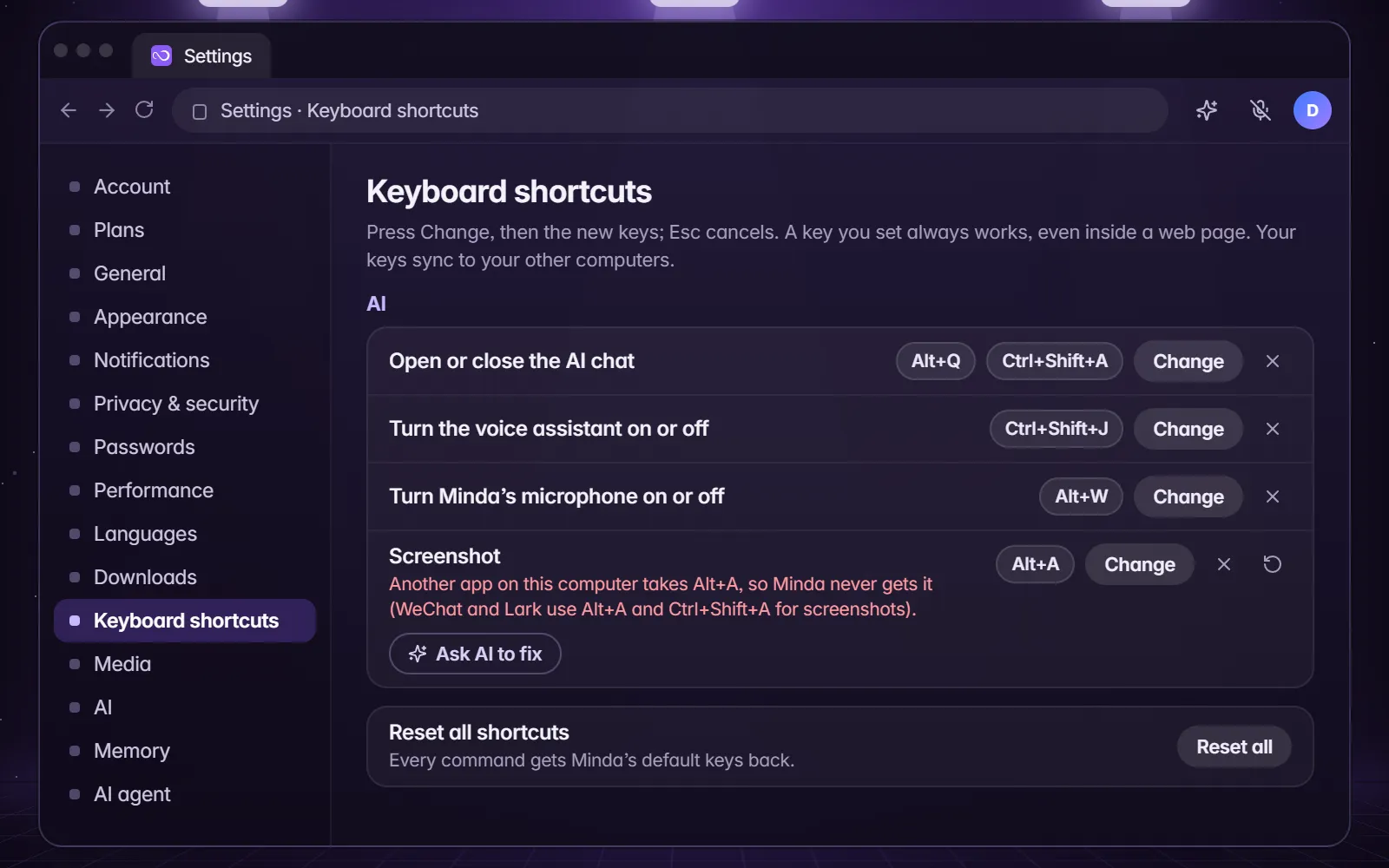
- Press Alt+Q on Windows, or the chat button in the toolbar, to open the SI chat.
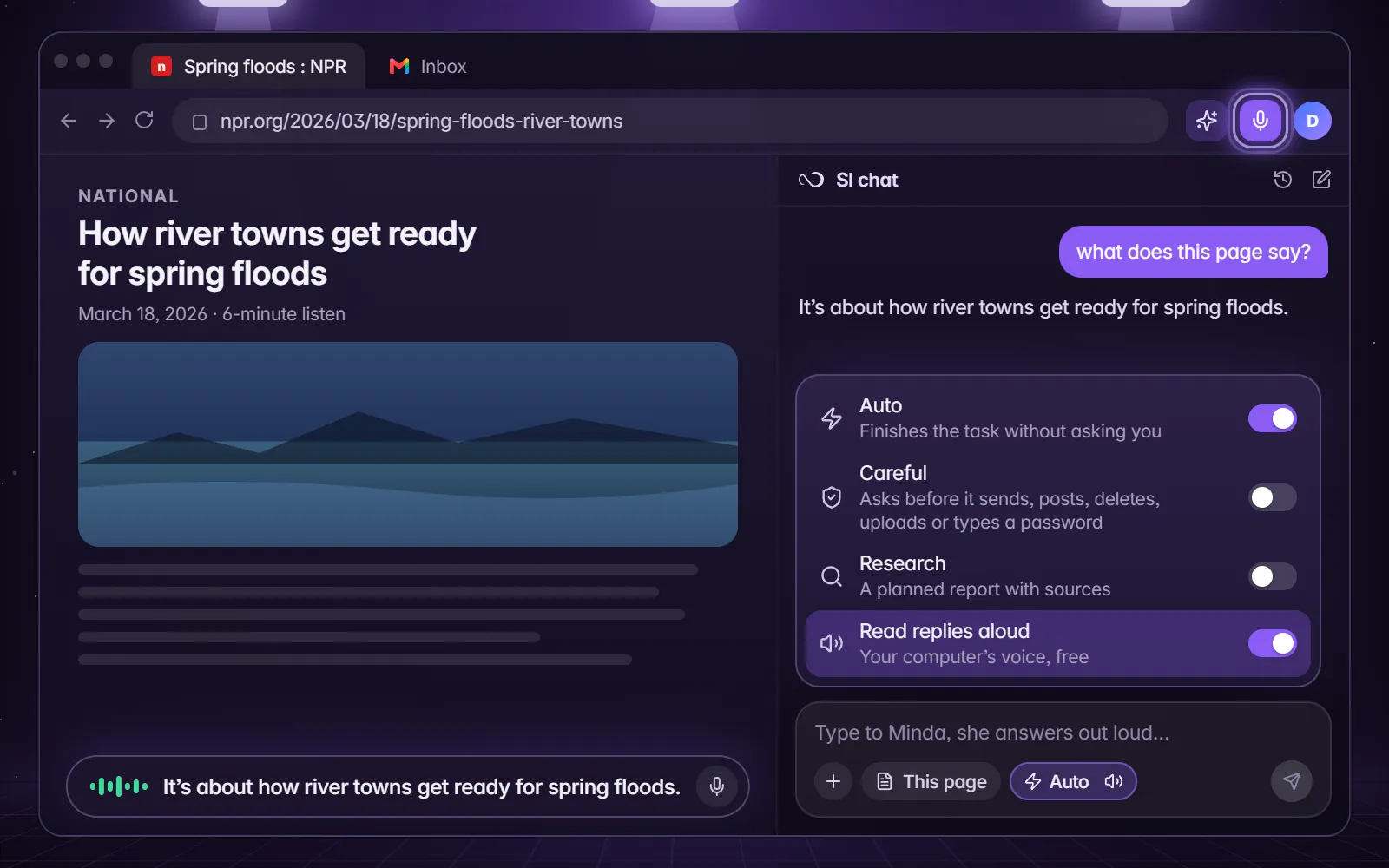
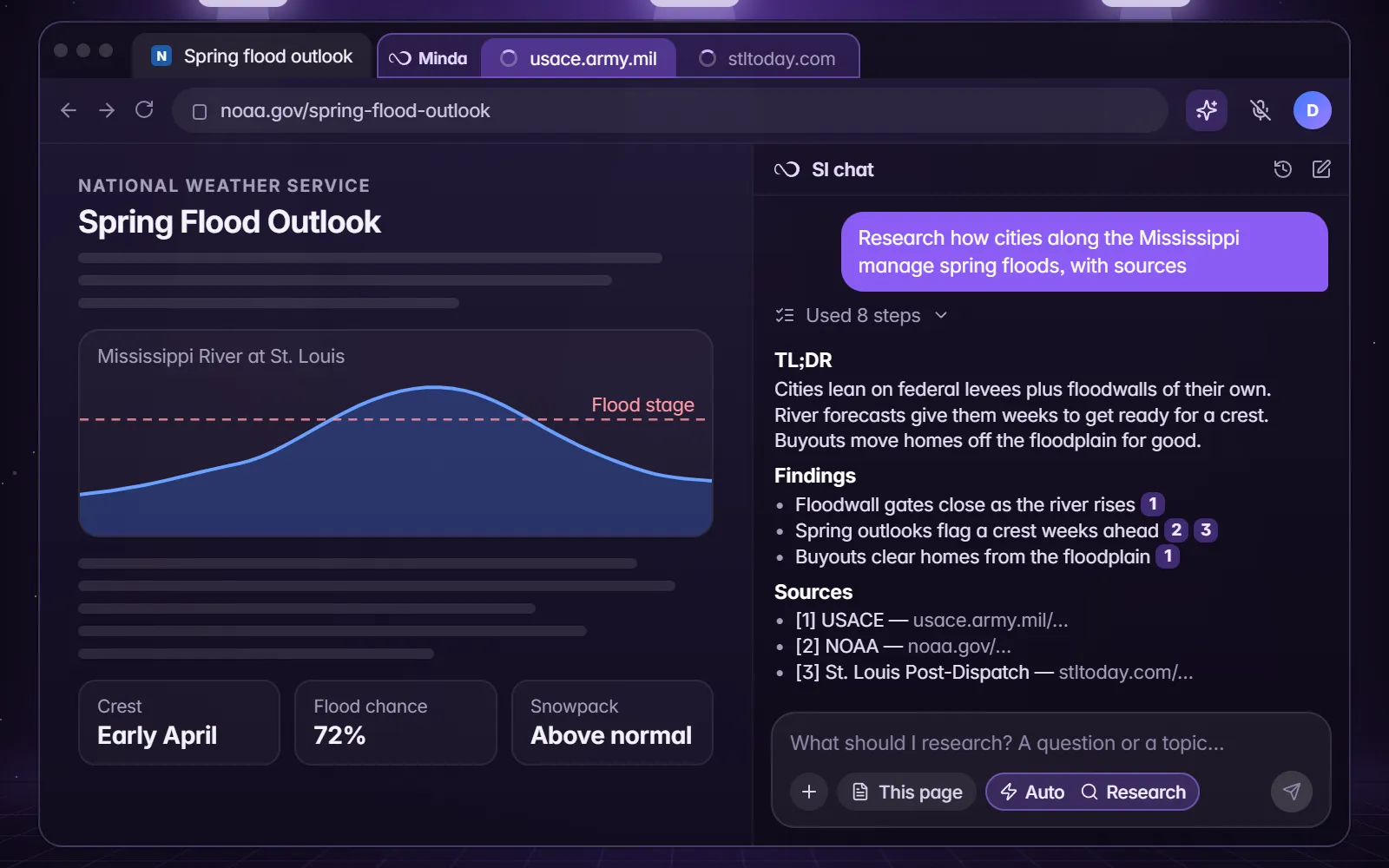
- Open the Modes menu in the chat box and switch on Research, or type /research.
- Send your question. Minda plans, searches, reads the pages and writes a report: a TL;DR, Findings with [1] [2] after each fact, and Sources, only the pages it read.
- Open a source by its number to check it, then Share and save the report as PDF or Word for your notes.
Try saying“Minda, research how cities along the Mississippi manage spring floods, with sources.”
Cite the sources, not Minda.