Browse topics
Topic
AI basics: the words you meet in your first week, in plain words
AI basics are the words behind every AI tool: a model (an LLM) predicts the next words from your prompt, tokens measure the text, a context window limits how much fits, and a hallucination is a confident mistake. Minda Super Intelligence runs these models on Minda AI credits, your own key or Ollama on your computer, on every plan.
5 articlesLast updated
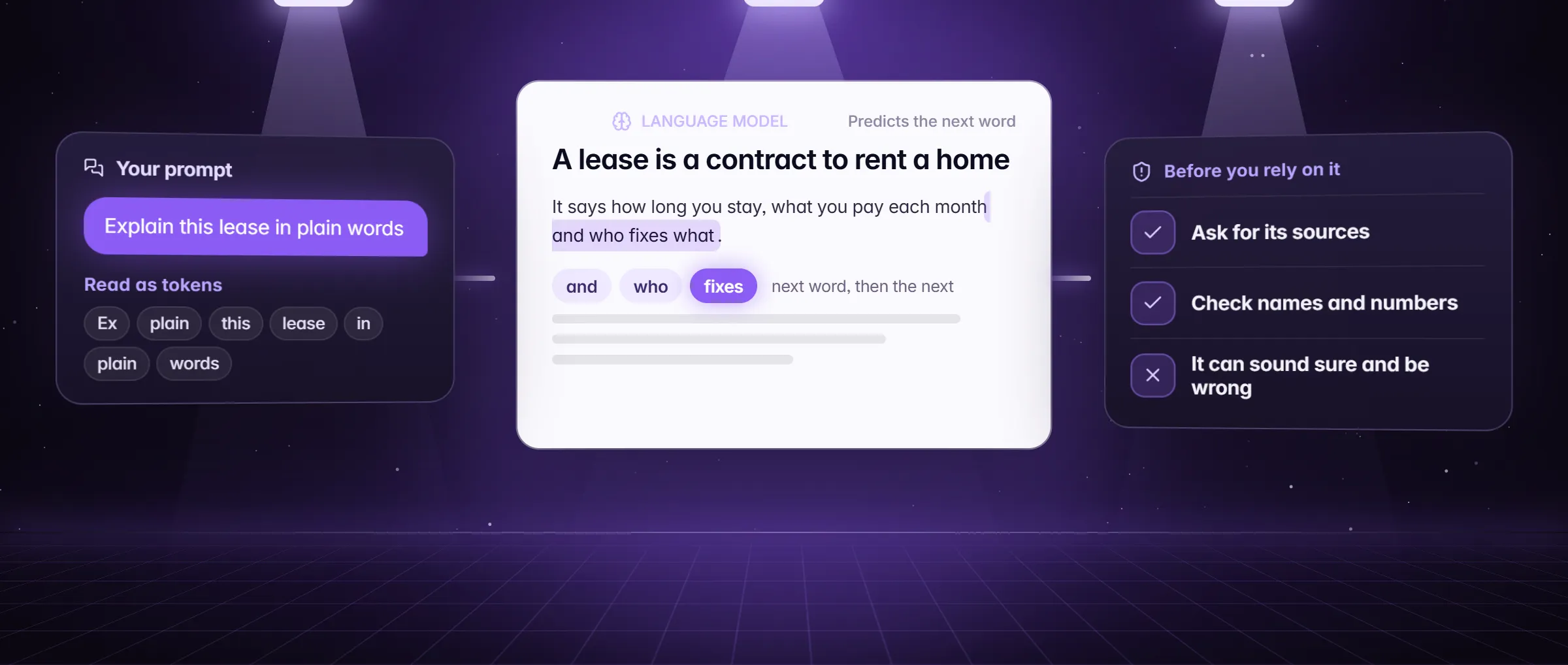
AI basics in plain words
What it is, how it works, an example, what people use it for and how to start.
What are AI basics?
AI basics are the words you meet in the first week: a model or LLM, a prompt, a token, a credit, a context window, a hallucination, local and cloud AI, an API key, each explained in plain words.
How it works
An LLM is a model that predicts the next words from what you give it. A prompt is what you give it; tokens are the pieces it counts; the context window is how much fits in one go. Minda Super Intelligence runs these models three ways: its hosted models on Minda AI credits, a cloud provider on your own key, or Ollama on your computer, and shows each model’s credit price before you pick it.
An example
A Sacramento parent asks the SI chat to draft an email to the school about a bus-route change, pastes the district’s notice as context, and compares two models side by side. The second draft, with the date and the route number, is the one she sends.
Use cases
- Pick a model knowing what it costs
- Write a prompt that gets the answer you wanted
- Know why a long chat drifts, and start a new one
- Catch a made-up fact before you use it
- Choose local, cloud or your own key per task
How to use it in Minda
- Open the SI chat in Minda and pick a model; its credit price is shown.
- Write the prompt: the context, the task, the format you want.
- Add the page, a file or @tabs so the model reads real text.
- Compare 2 or 3 models on one question and keep the better answer.
- Check any name, number, date or link against its source before you use it.
Articles
Newest first. Each one answers its question in the first lines, then shows the steps and the limits.
- Explainer
AI hallucinations: why AI makes things up
An AI hallucination is a confident answer that is made up. Why models do it, a real-looking example, and six ways to catch one before you rely on it.
Read - Explainer
AI tokens explained: credits and context windows
A token is a piece of text, a context window is how much fits in one request, and a credit is what Minda charges. What each one measures, in plain words.
Read - Guide
How to write a prompt: a beginner’s guide
A prompt is what you give an AI to get an answer. Context, task and format get the one you wanted: a before and after, then prompts that act.
Read - Explainer
Local AI vs cloud AI: where your words go
Local AI runs a model on your computer, cloud AI on a company’s servers. How each works in Minda, what an API key is, and what each one sends.
Read - Explainer
What is an LLM? AI models in plain words
An LLM is a model that predicts the next words from what you give it. How it works, what it cannot do, and how to pick one in Minda, in plain words.
Read
Free tools
Every tool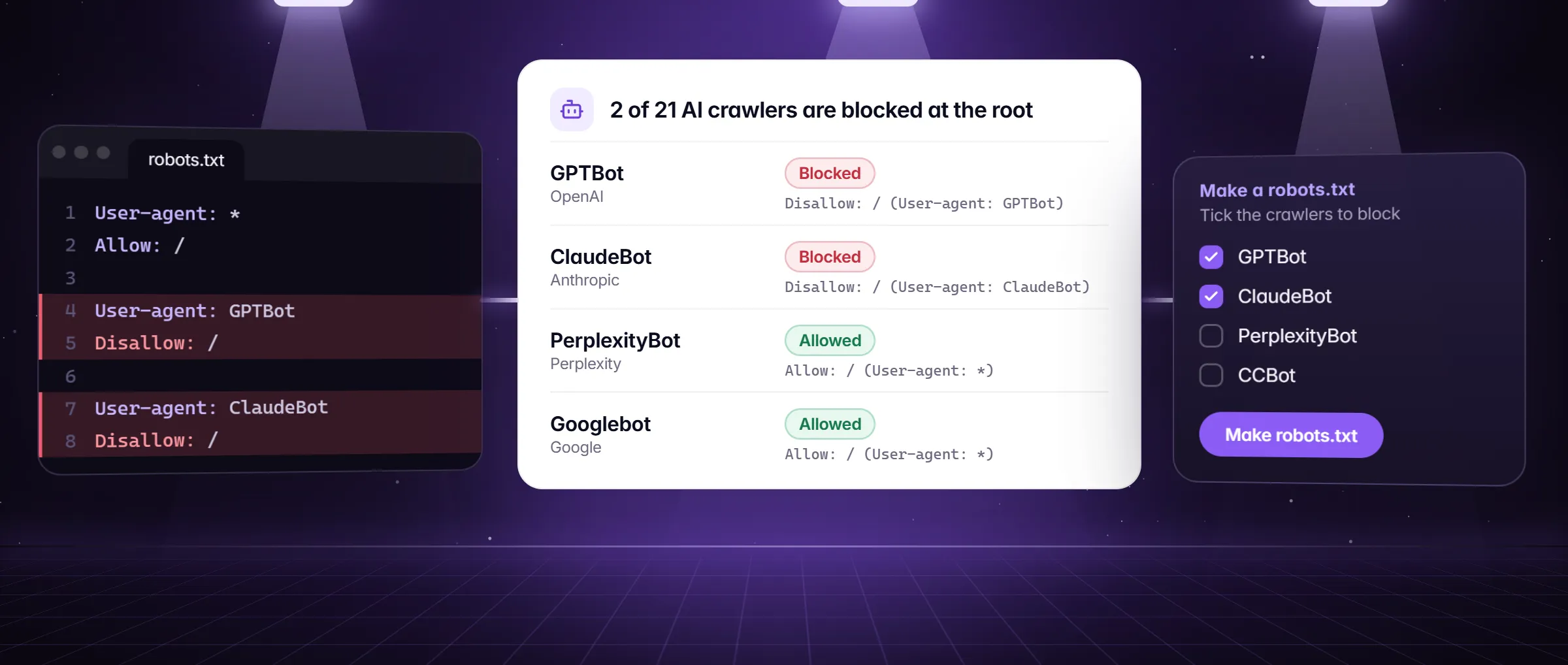 Tool
ToolAI crawler robots.txt checker and generator
Paste your robots.txt and see which AI crawlers (GPTBot, ClaudeBot, PerplexityBot) may read your site, then make the lines you want. Free, in the page.
Open the tool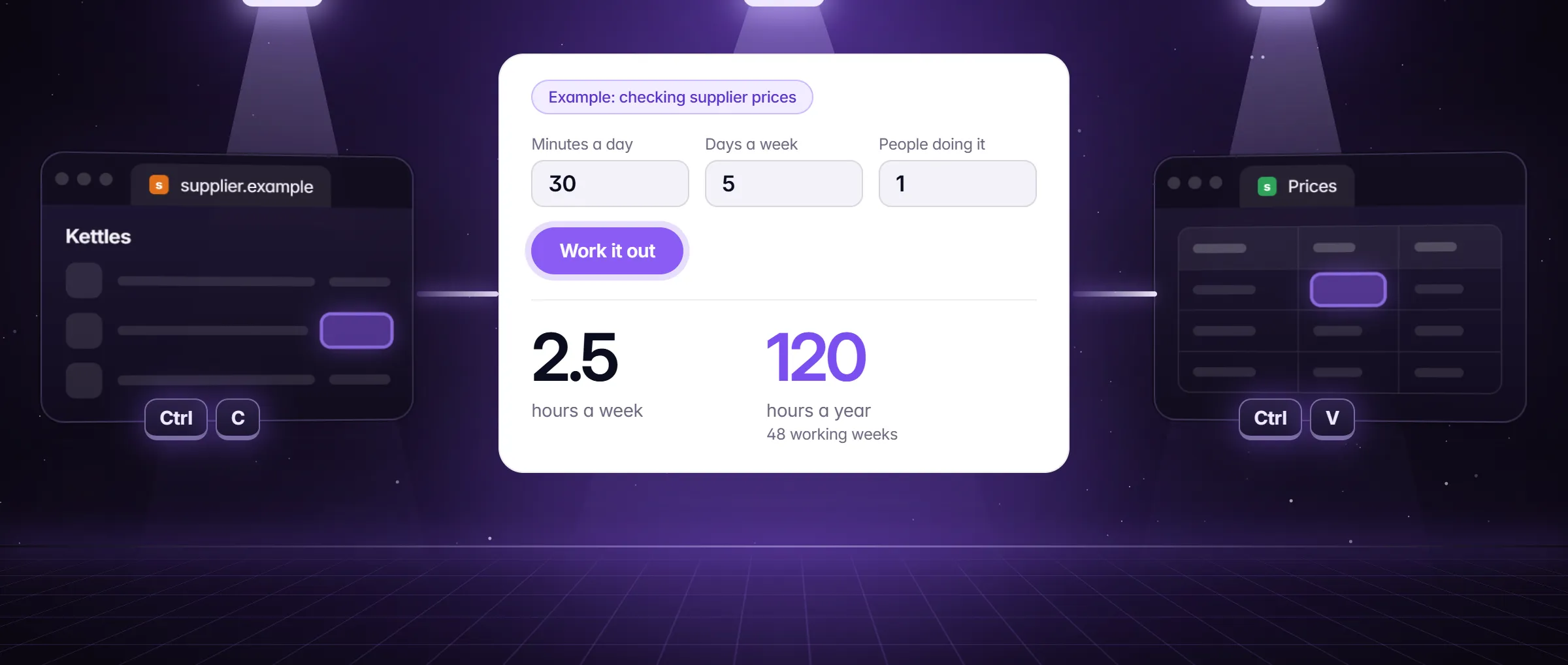 Tool
ToolCopy-paste cost calculator
How many hours a year does copying rows, checking pages and typing data by hand cost you, and what is that in money? Work it out in a minute, free.
Open the tool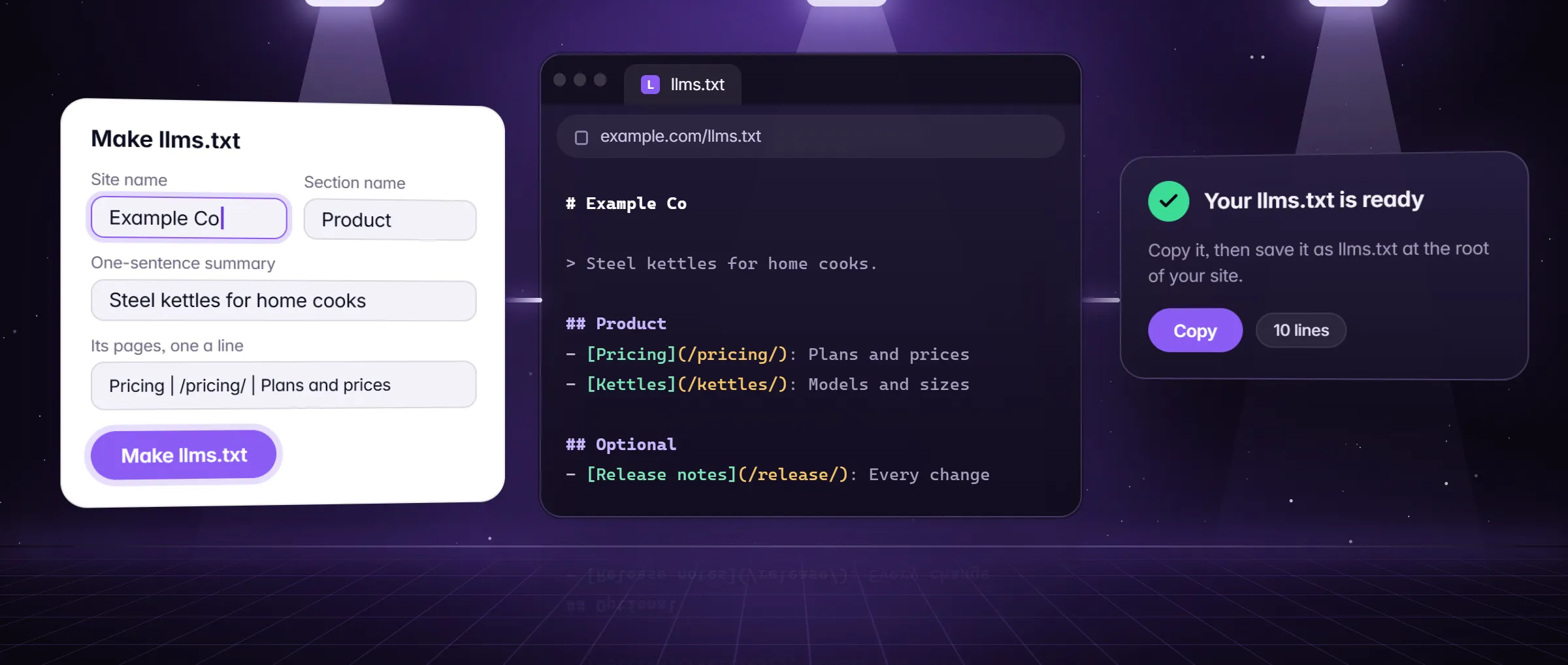 Tool
Toolllms.txt generator
Make an llms.txt for your site in a minute: name, a one-line summary, sections with their pages and an Optional part, in the shape AI assistants read.
Open the tool
Where this topic leads
The product pages that do the work this topic describes.
Questions
What is the difference between an AI model and an AI chat?
The model is the program that predicts the next words; the chat is the window you talk to it in. In Minda Super Intelligence one chat can use several models: its hosted ones on credits, a provider on your own key, or Ollama on your computer, and Compare shows 2 or 3 side by side.
Does an AI model know what is on my screen?
Only what you give it. A request sends your question, the chat so far and the pages, files or notes you add; with @tabs or a page attached the model reads that text. The AI activity log shows the provider, model, host and character counts of each request, never the words.
Why does the AI sometimes make things up?
Because a model predicts likely words rather than looking facts up, so a missing fact can come out as a confident guess. Give it the page or file, use deep research, which cites only what it read, and check names, numbers and links against the source before you use them.
Hear first when Minda is ready
We only use your email to tell you when Minda is ready. Unsubscribe anytime.
Free to start
Minda Super Intelligence is coming soon for Windows.
Last updated